
Bring product visuals up to standard, at scale.
Turn your own and supplier imagery into consistent visuals, adapted to each channel’s requirements. Automate edits and format variations in batches, directly in the platform or via API.

Trusted by fashion brands, retailers and marketplaces globally


Streamline content editing.
Automatically edit thousands of fashion images with workflows customized to match your brand guidelines. Everything is handled in minutes with AutoRetouch’s AI-powered solution.

Ensure brand consistency.
Standardize your entire product catalog, effortlessly. Deliver a cohesive visual identity across all channels and suppliers with automated, guideline-compliant image editing.


Go live sooner
Create and enrich your product content pages with on-model and packshots images from simple input, without studio shoots.

Stay consistent
Standardize product and supplier images to meet your brand and sales channel requirements.

Cut rework
Get more from existing product imagery. Automate repetitive edits and reduce manual corrections and reshoots.
From guidelines to channel-ready images.
Edit your fashion visuals with ease and at scale.
Watch video-
 01
Set your guidelines
Work with our team to tailor your editing guidelines to suit your brand’s look & quality standards.
-
 02
Access your workflows
Our team of imaging experts will create your custom workflow(s) in your AutoRetouch account.
-
 03
Preview your images
Upload your images to AutoRetouch via API or drag & drop, then select which workflow you want to process.
-
 04
Download for use
Load your images onto your website, social media or other sales channels.
feature set
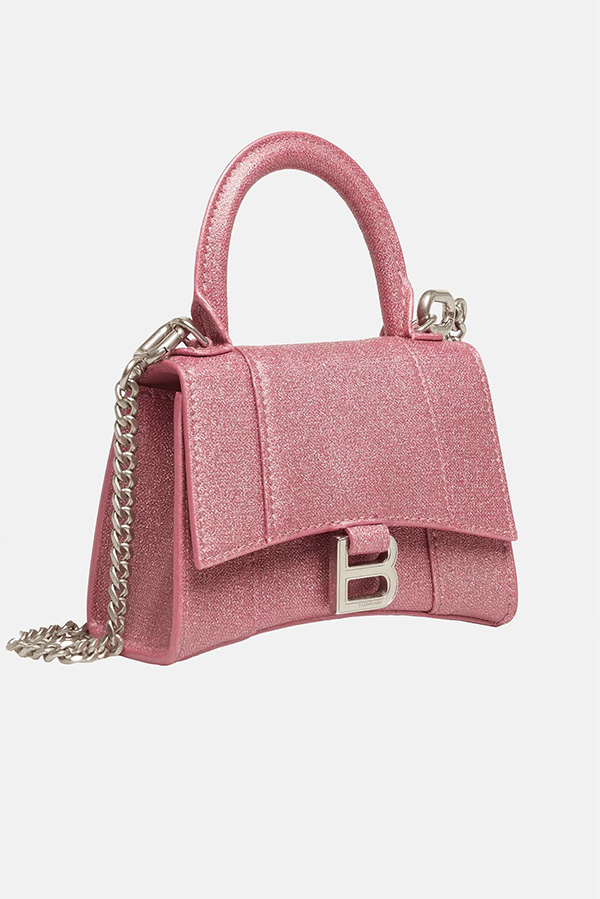
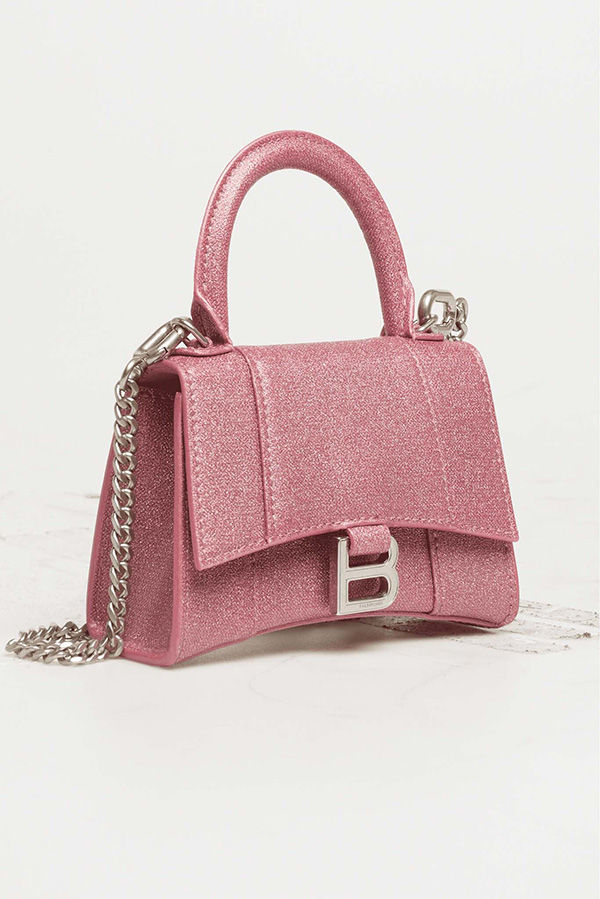
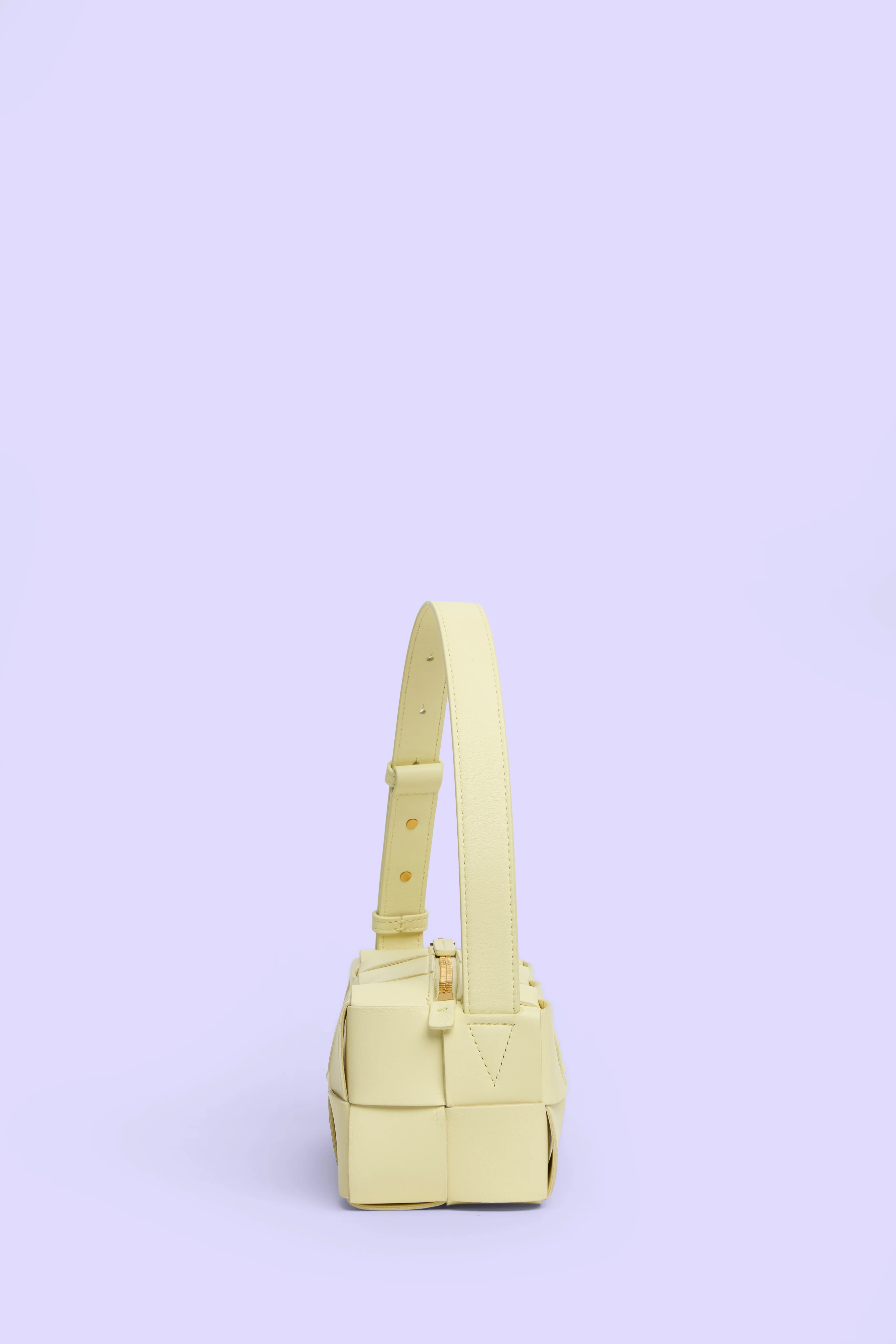
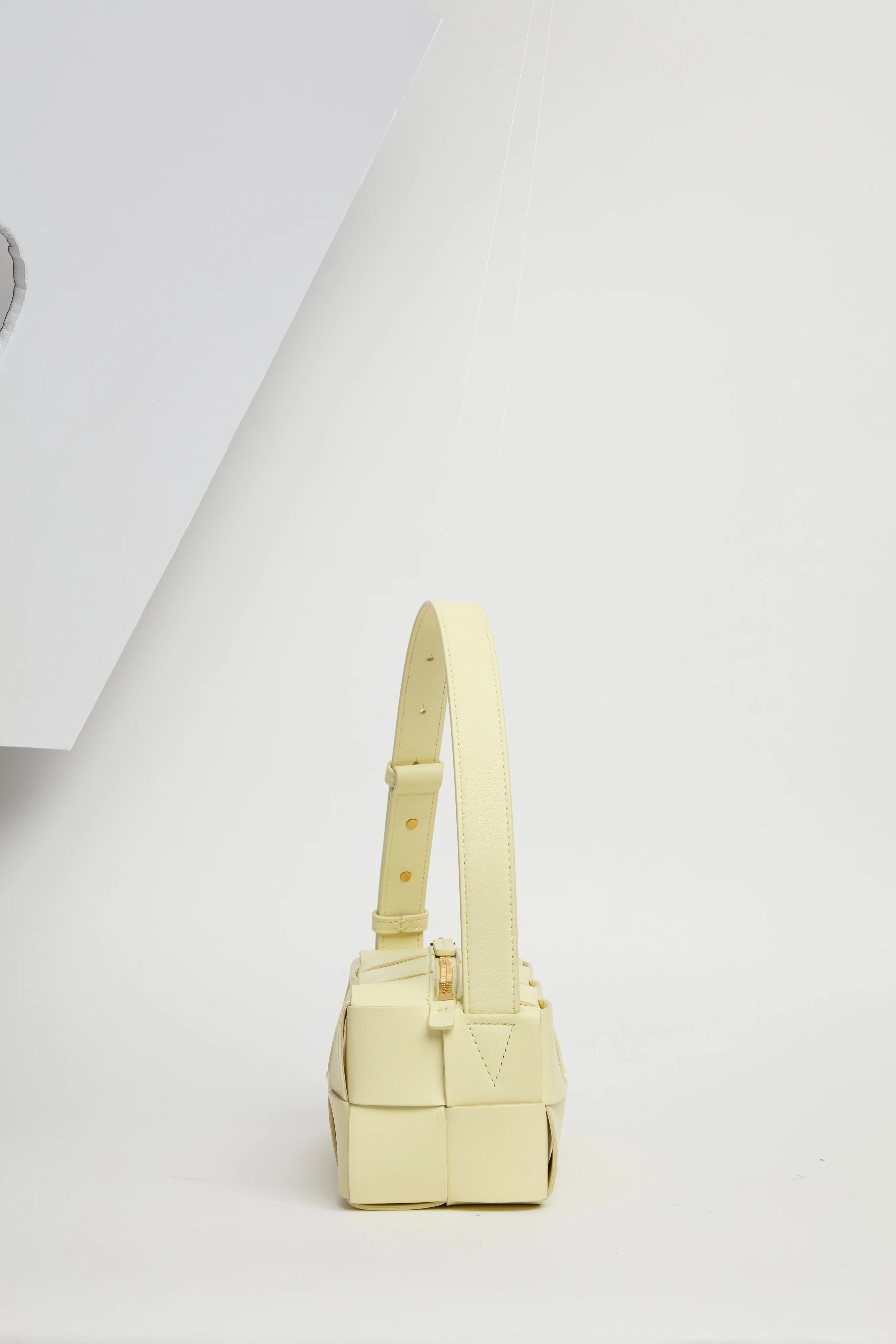
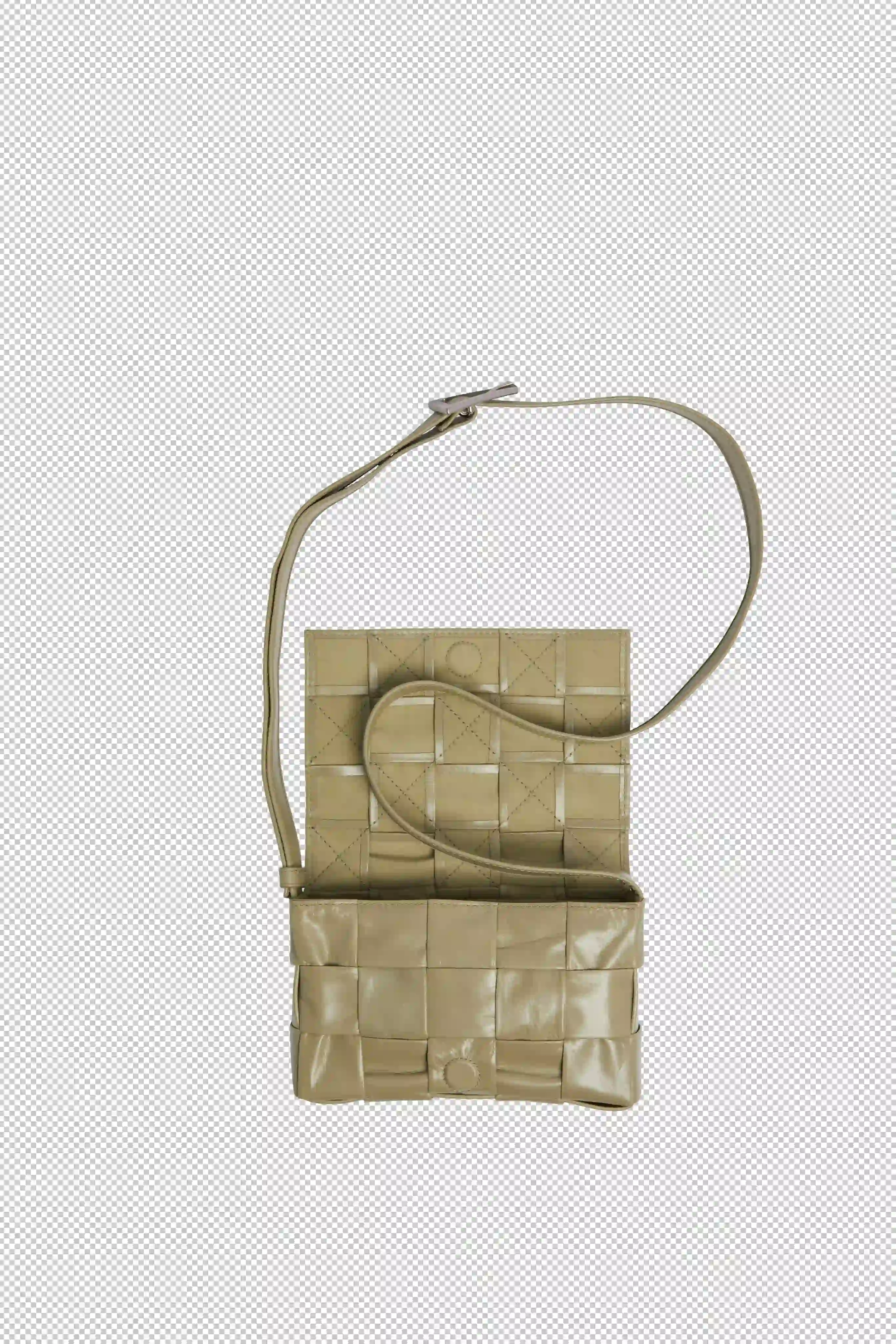
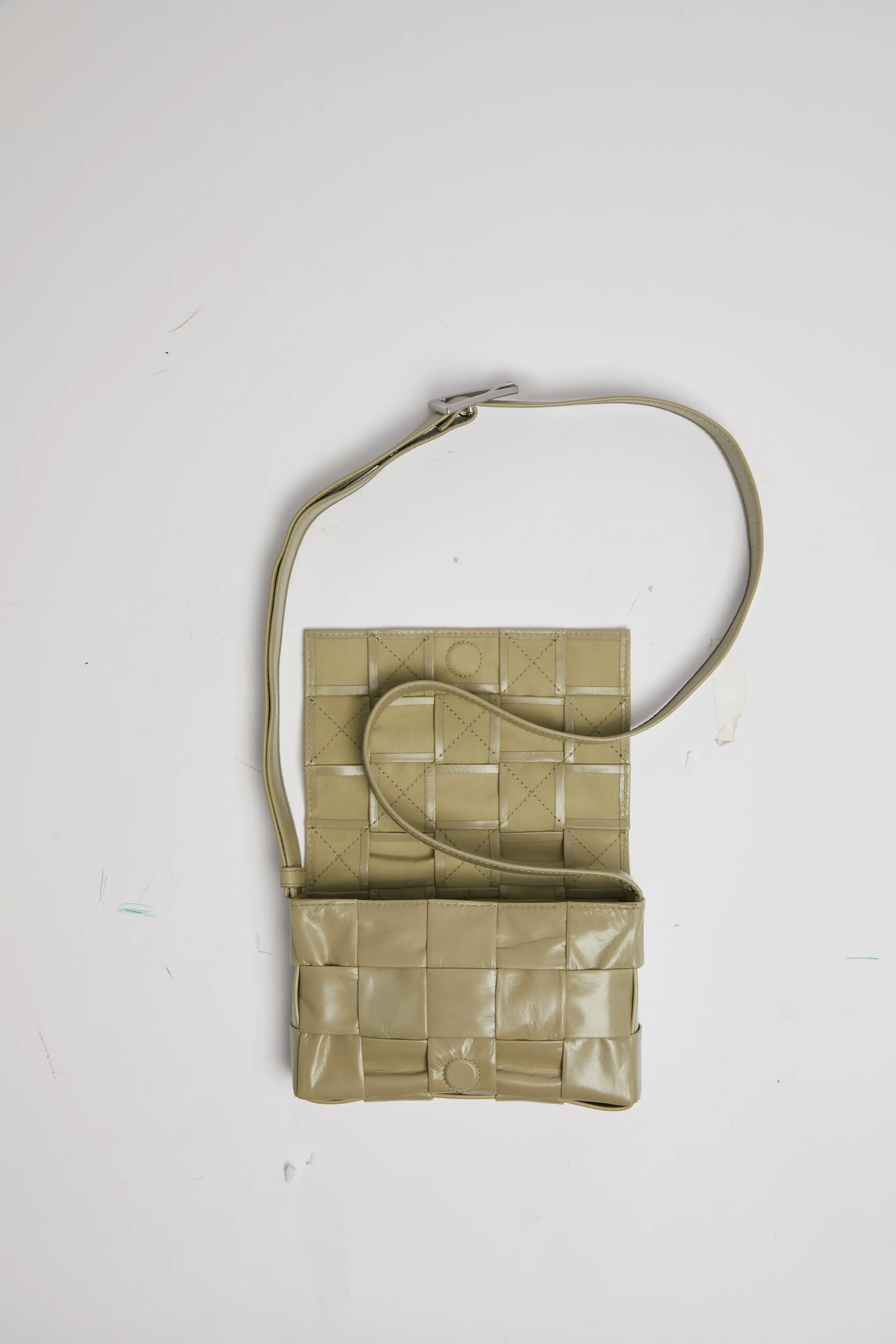
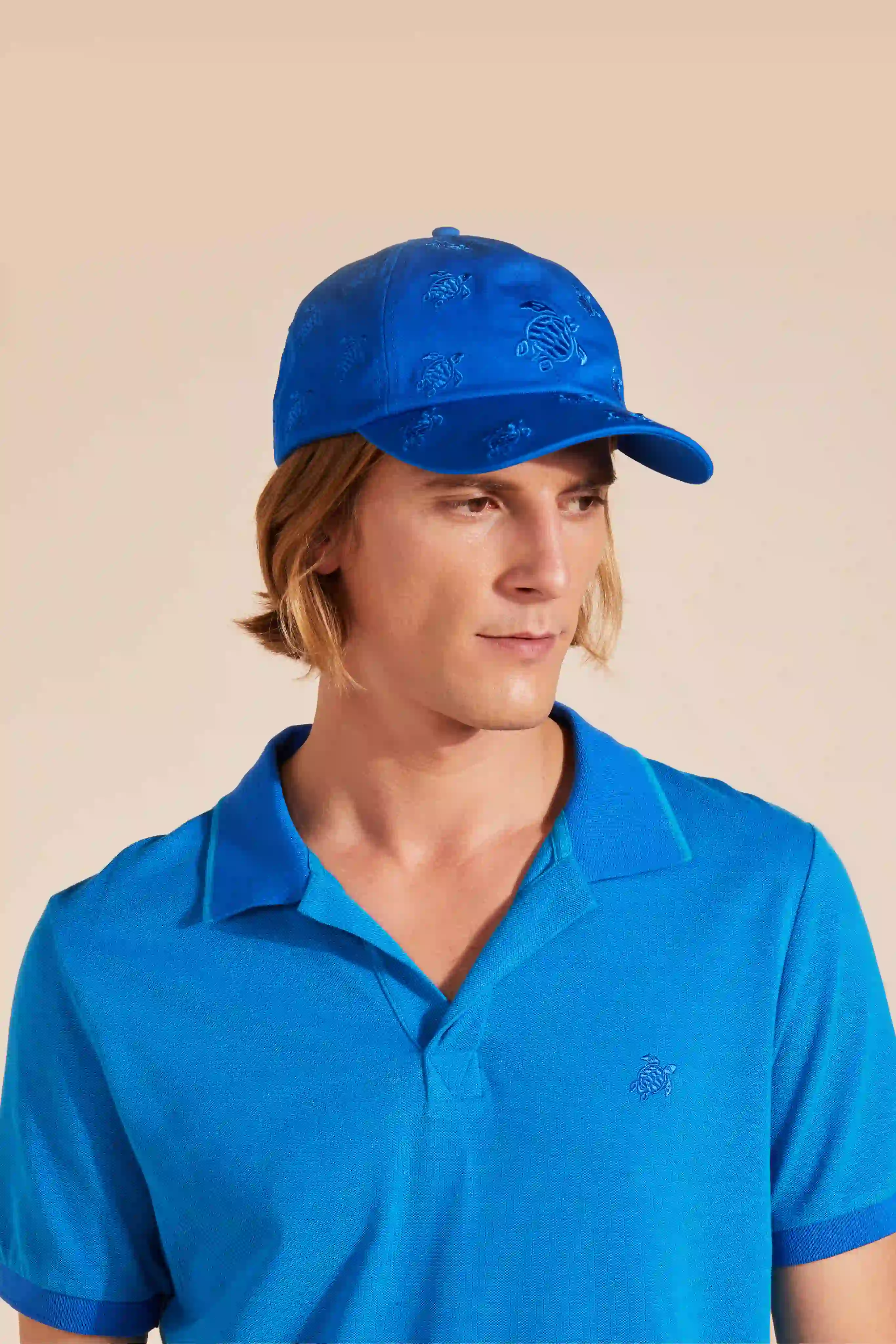
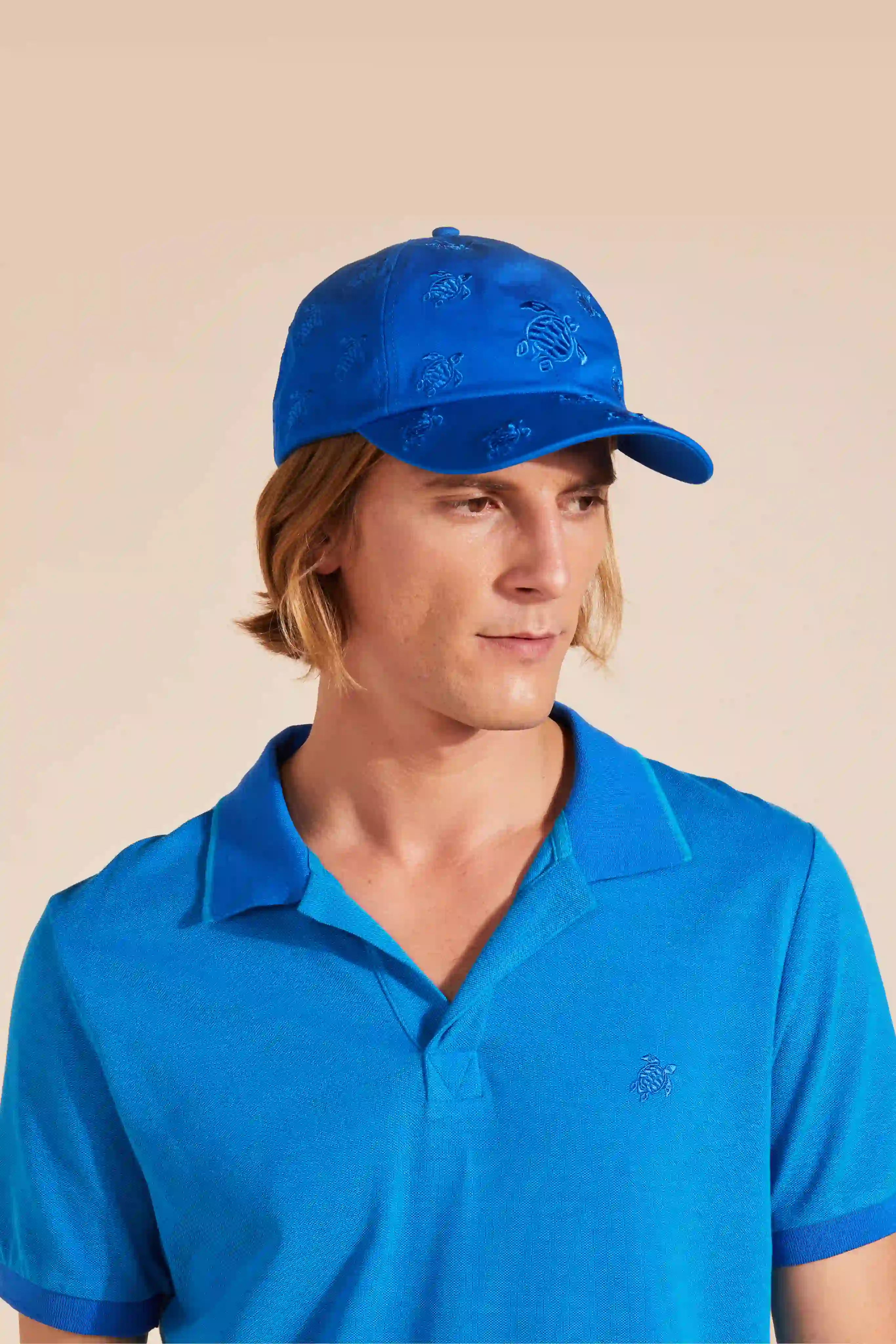
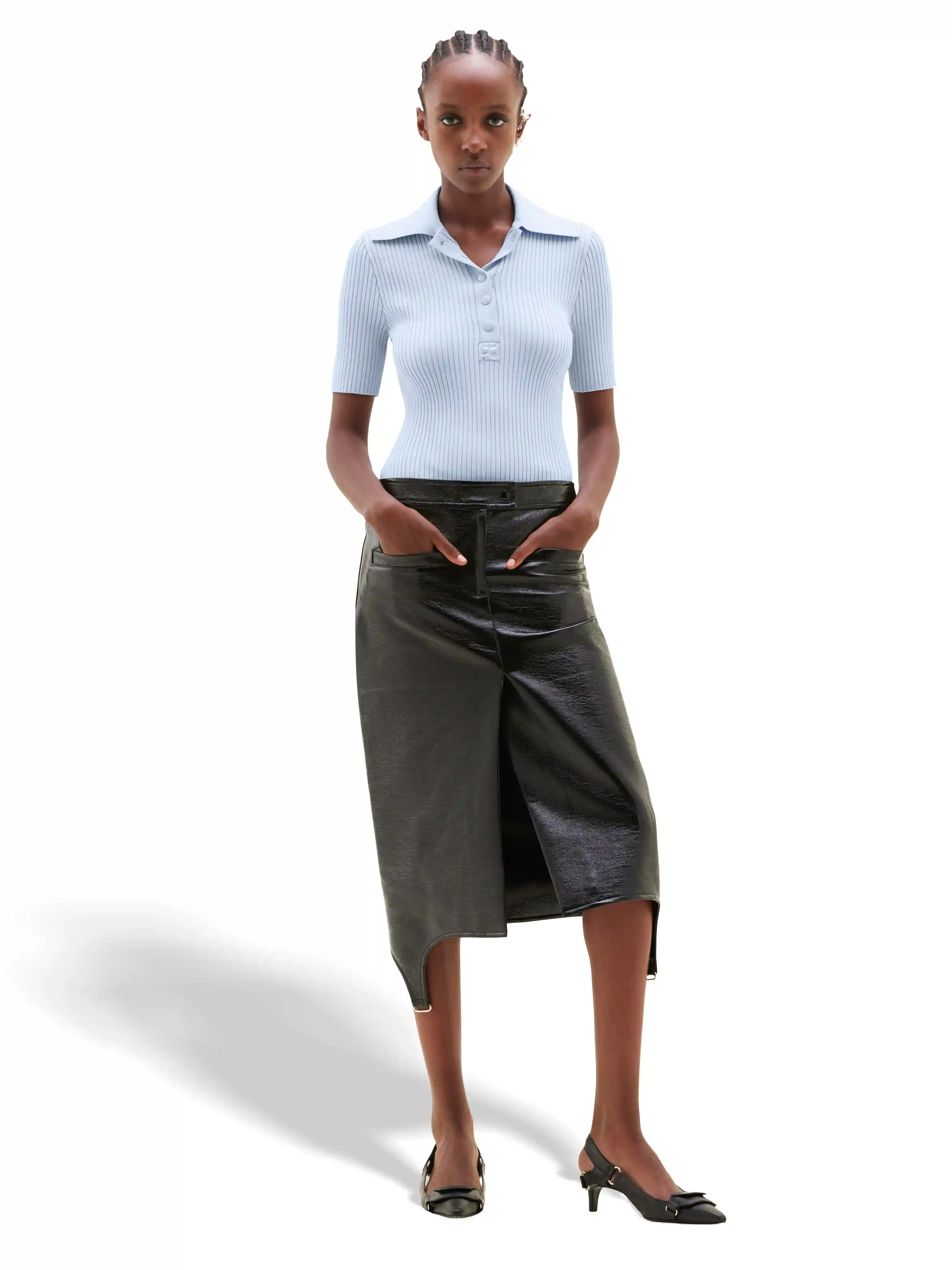
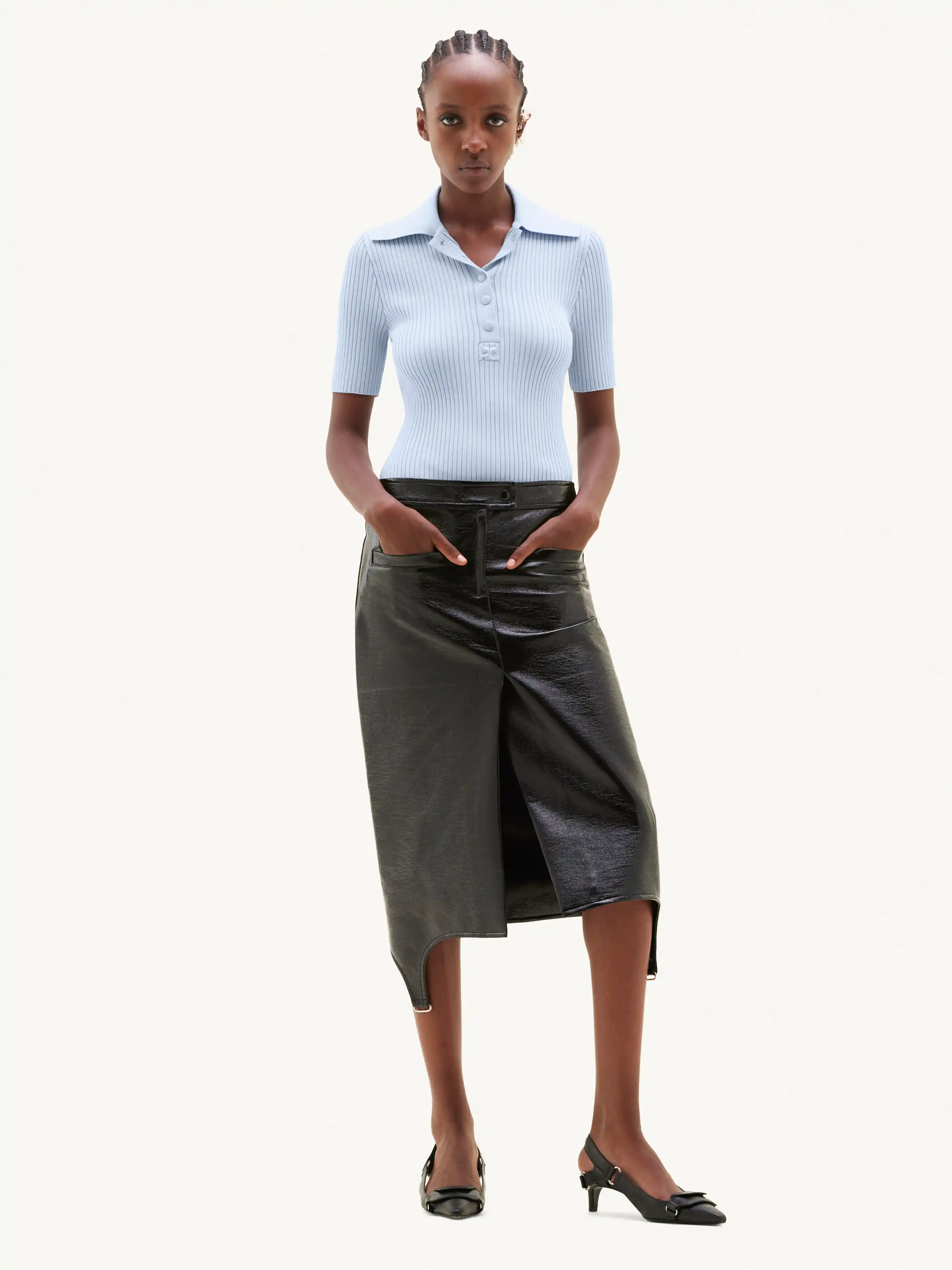
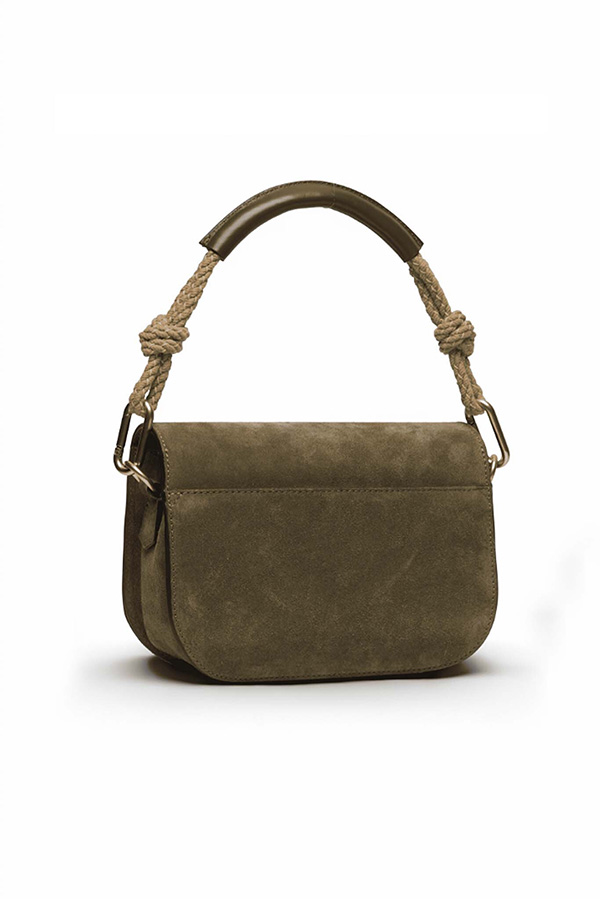
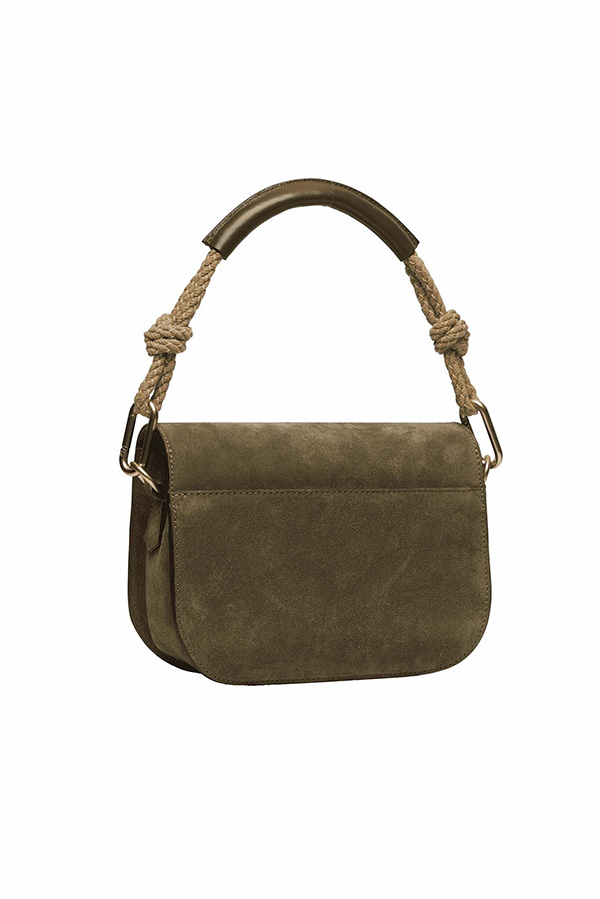
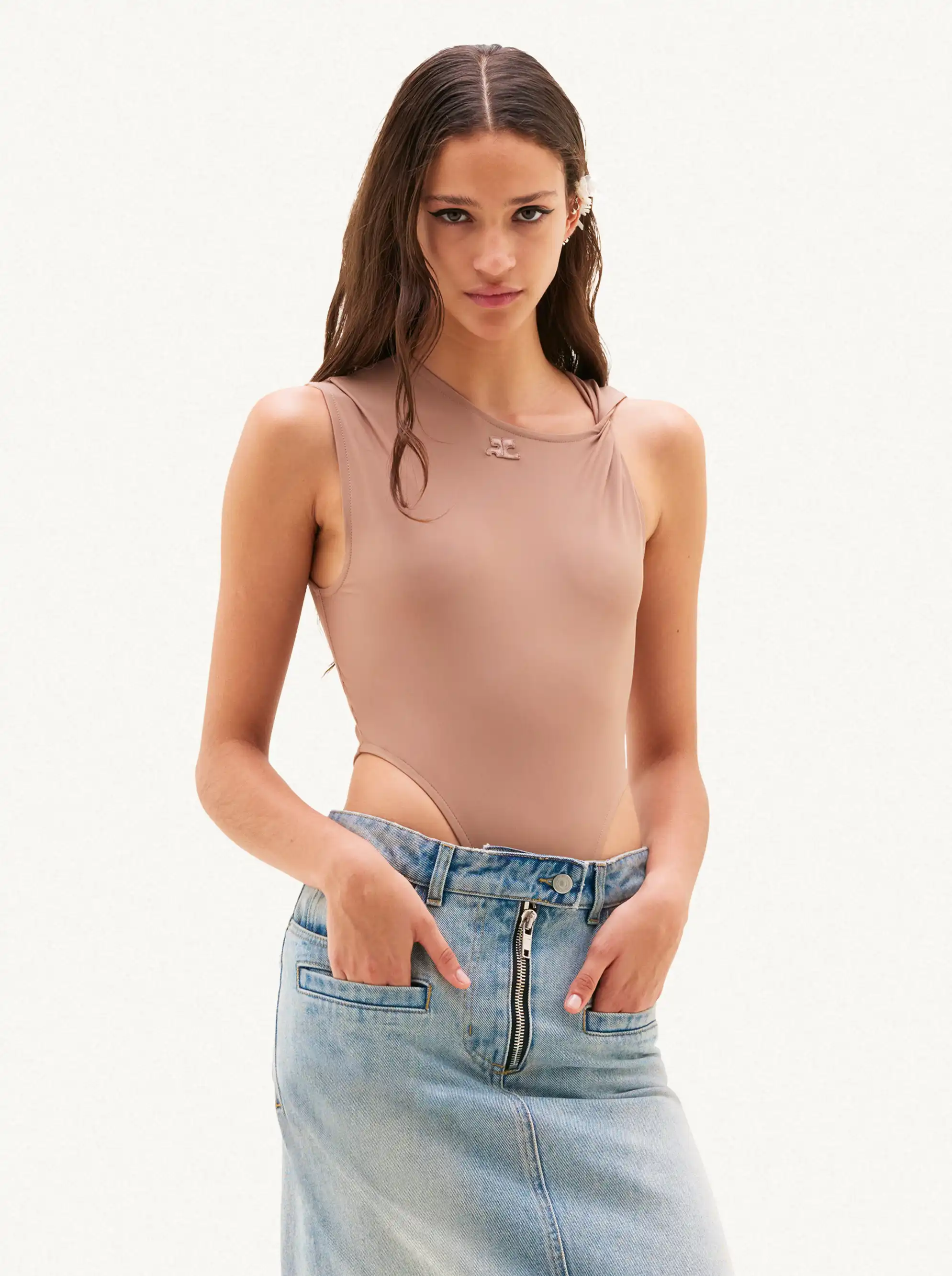
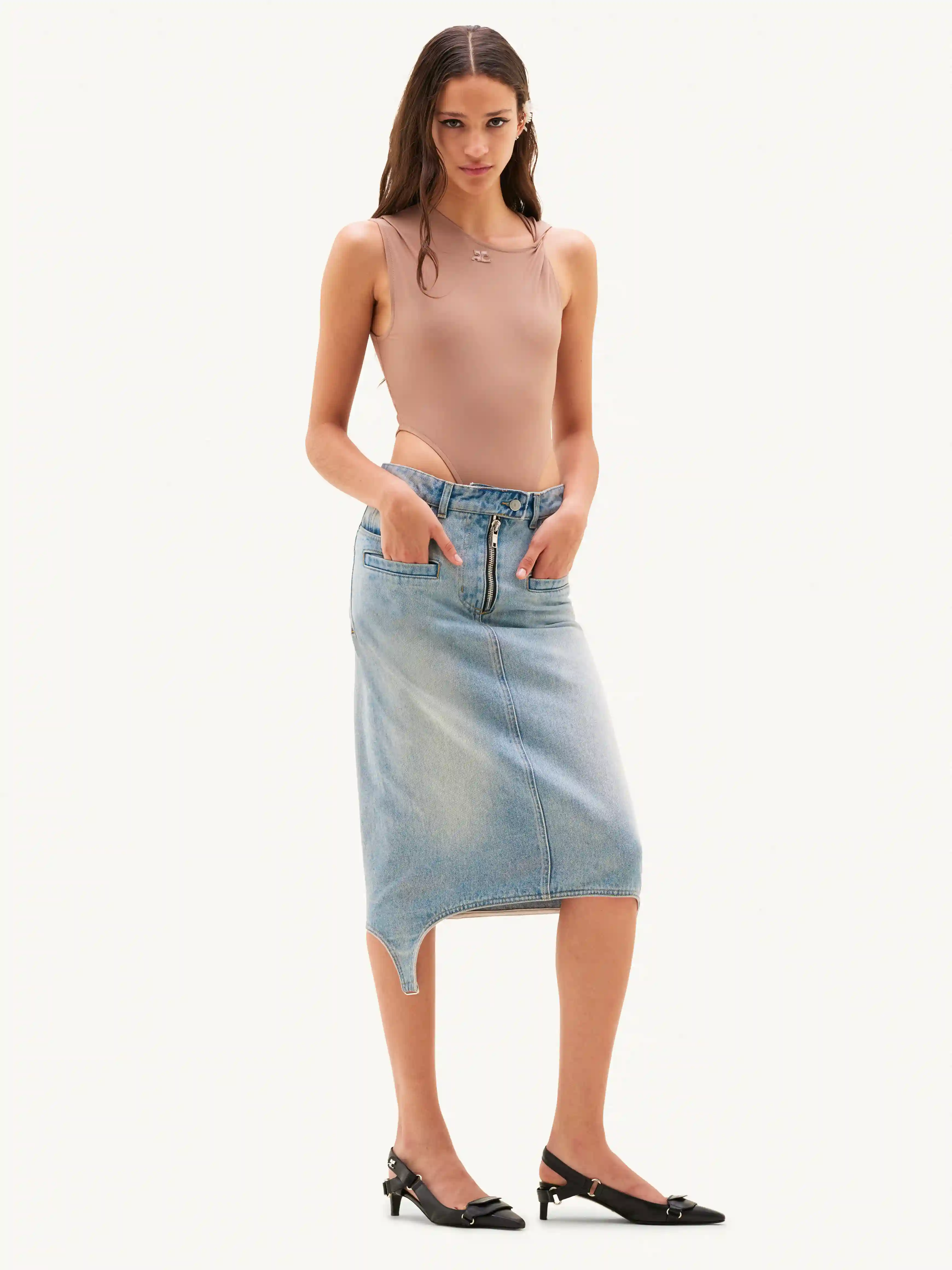
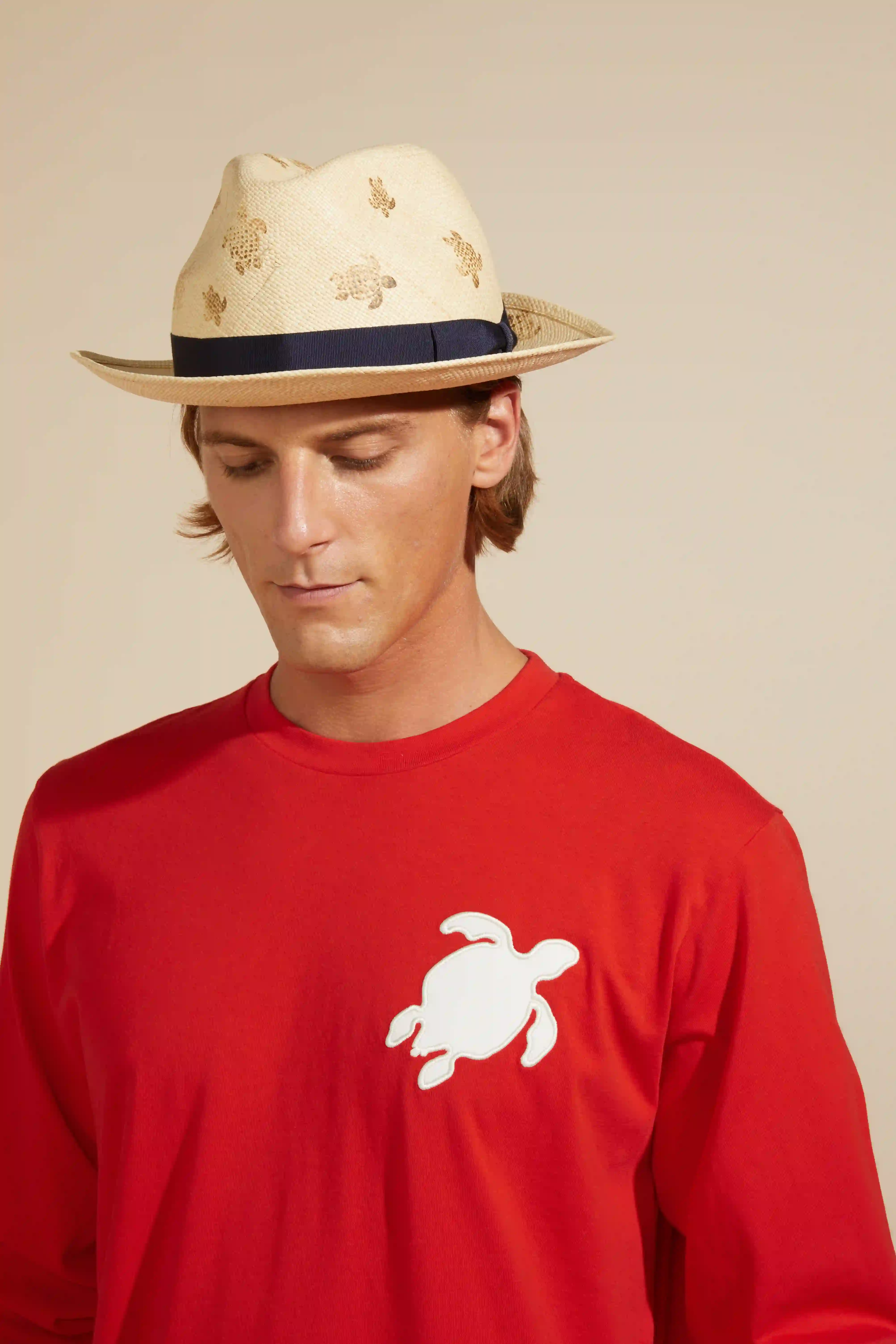
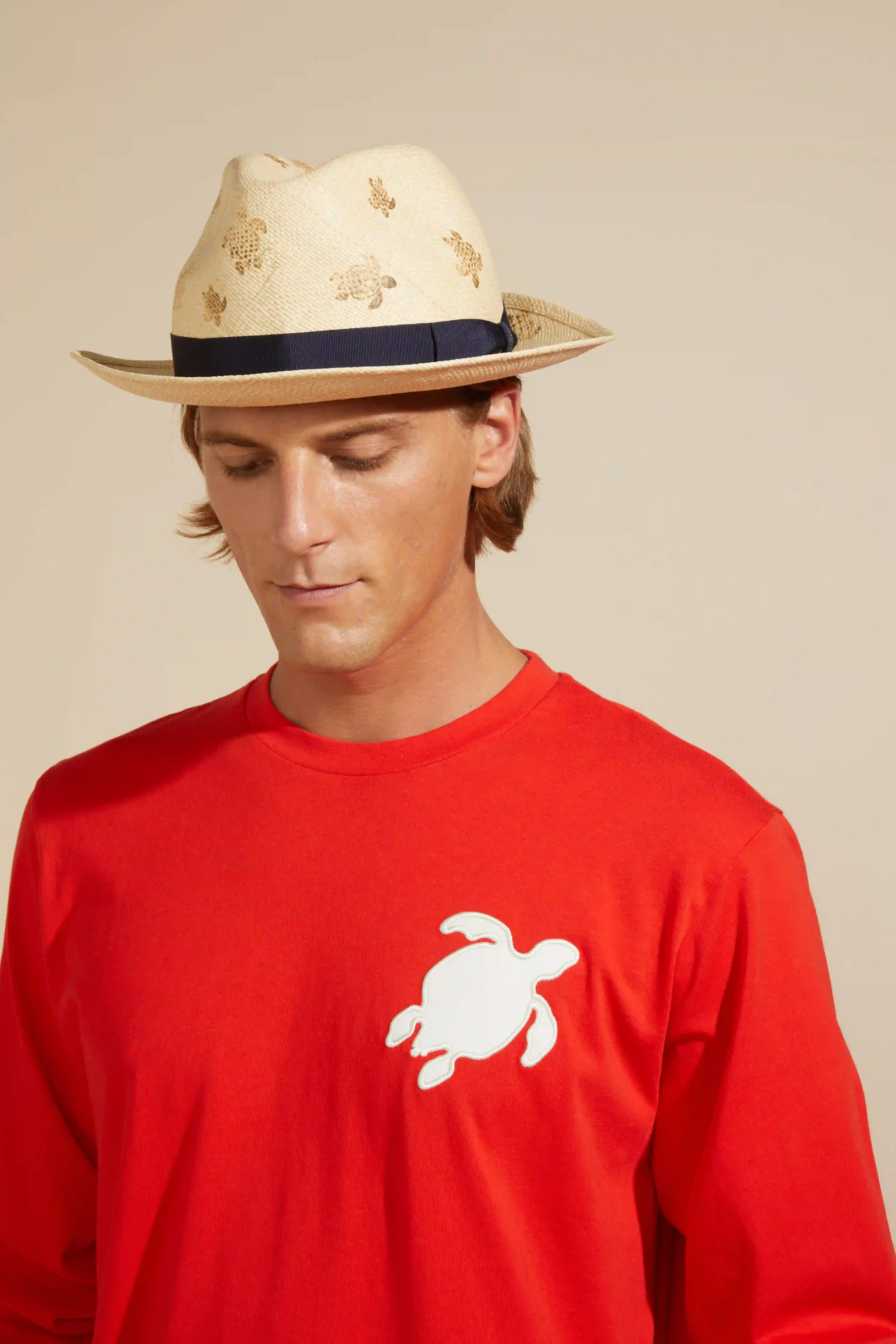
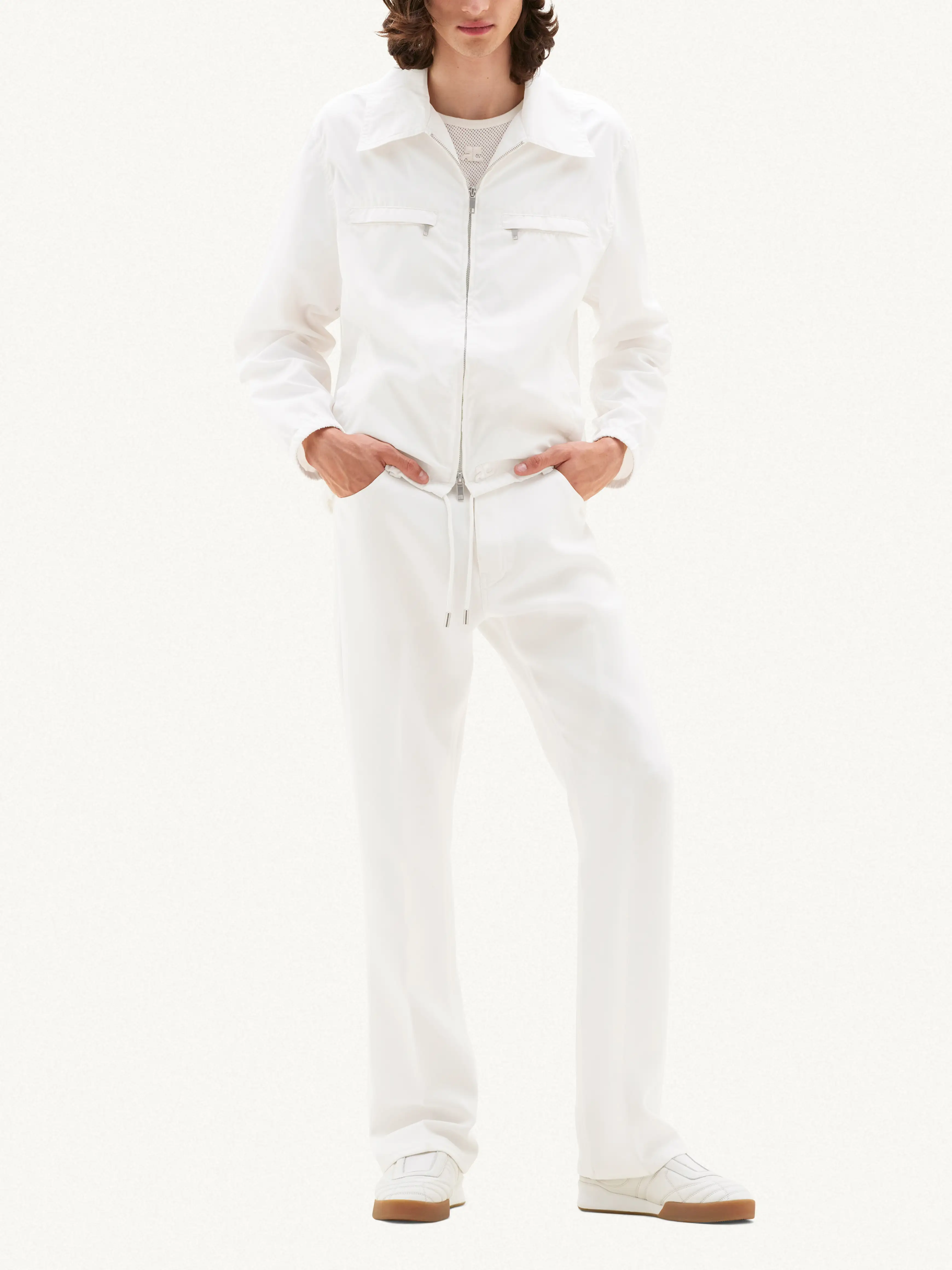
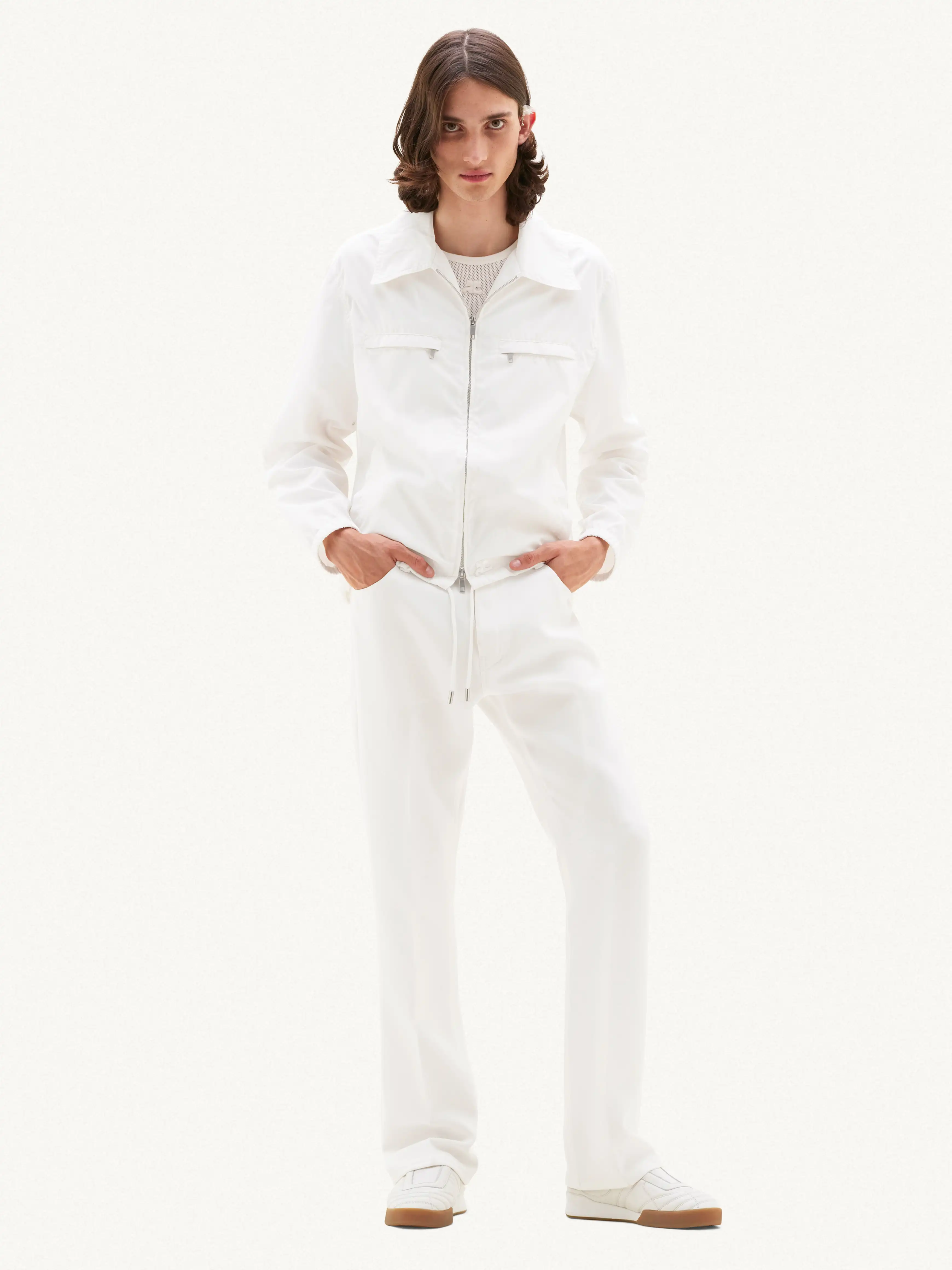
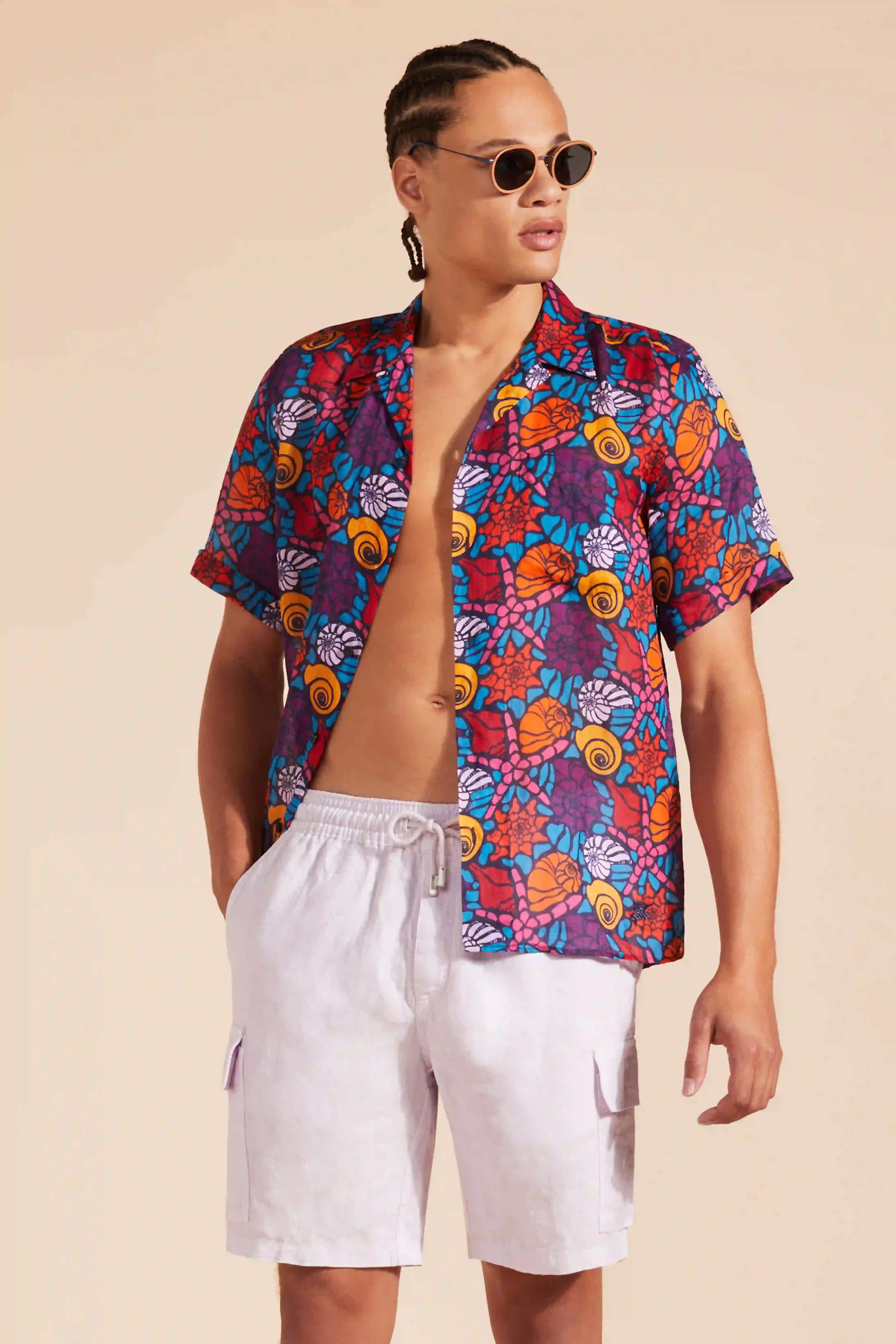
AI processes. Humans validate.
Where your quality bar requires it, an image expert checks results before they go live.
-
01
AI edits
Background, shadows, reframing and export, automated across your whole catalog.
-
02
Human QCPro & Enterprise
An expert checks consistency before delivery.
-
03
Ready to go live
Outputs are validated against your image adaptation and brand guideline specs, so whole batches are ready to publish without image-by-image review.
AI Editing plans that fit you.
Pick the editing plan that fits your requirements and all the channel adaptation templates you need, then size it to your yearly volume.
AI-only editing for high-volume, standardized workflows.
- Background removal
- Background replacement
- Shadow for models
- Reframing & resizing
- Smart crop
- Multiple export settings
Starter, plus expert human quality check for full compliance at scale.
- All Starter features
- Background cleaning
- Shadow for objects
- Shadow for packshots
- Human quality check
Premium image processing for complex items and the highest quality bar.
- All Starter features
- All Pro features
- Skin retouching
- Tones & color harmonization
- Extract swatch
*Indicative prices per image, excluding VAT. Plans start at 10,000 images per year.

Go one step further and generate consistent packshots with AI, in your channel formats.
Explore AI PackshotClient success stories
“AutoRetouch has enhanced our production capabilities, offering unparalleled flexibility in handling varying quantities, and delivering high-quality images that meet our standards. AutoRetouch’s adaptability is crucial in meeting our dynamic business needs.”

“AutoRetouch made our job so much easier, enabling us to upload the new collection faster!”

“We're really pleased with AutoRetouch. The image quality is consistently good and the workflow fits perfectly with our process. The shoe straightening feature has made a big difference for our category pages!”


See how AutoRetouch fits your production workflow.
Evaluate AutoRetouch against your catalog volumes, image requirements and existing production processes.
Get a demoCommon questions about AI Editing
What is AutoRetouch AI Editing?
AutoRetouch AI Editing automates product image editing and adaptation at scale. It standardizes imagery, applies repeatable edits and prepares images for different brand (e-shop) and sales channel (marketplace, wholesale, digital showroom, etc) requirements through batch workflows or API integration.
Can I standardize images from different suppliers?
Yes. AutoRetouch AI Editing processes imagery from your own production teams and external suppliers. Apply consistent backgrounds, shadows, cropping, shadow generation, and output formats to bring images from different sources up to the same visual standard.
Can I adapt one product image for multiple sales channels?
Yes. AI Editing supports channel-specific image variations through configured editing workflows and export settings. Adapt backgrounds, framing, shadow, dimensions and formats to meet different eCommerce, marketplace and wholesale requirements without repeating each edit manually.
Which product image edits can AutoRetouch automate?
AutoRetouch AI Editing supports background removal and replacement, shadow generation for model and objects, cropping, model anonymization, resizing, reframing, format conversion, and color harmonization. These AI editing operations can be combined into repeatable workflows to standardize product imagery at scale.
Can AutoRetouch process thousands of product images in batches?
Yes. Process large volumes of product images through automated workflows, directly in the platform or via API. Upload and process images through batches, monitor processing status and retrieve completed results. API integrations also support webhooks for automated status updates.
Can I integrate AI Editing into my existing systems via API?
Yes. AutoRetouch provides a REST API to upload images, execute editing workflows, monitor processing and retrieve results. API webhooks can automatically notify your systems when processing completes. Explore the API documentation.
Can editing workflows be customized to our brand requirements?
Yes. AutoRetouch has configurable editing workflows that can match your required operations and output specifications. A Quality Assurance step can be included where review is needed.
How does AI Editing work with Grand Shooting?
AutoRetouch AI Editing handles image processing and adaptation in large quantity of visuals. Grand Shooting extends this with catalog and supplier intake, media compliance checks, production orchestration, approvals and enterprise integrations. Together, they support the wider visual content production lifecycle.